All the pieces, together
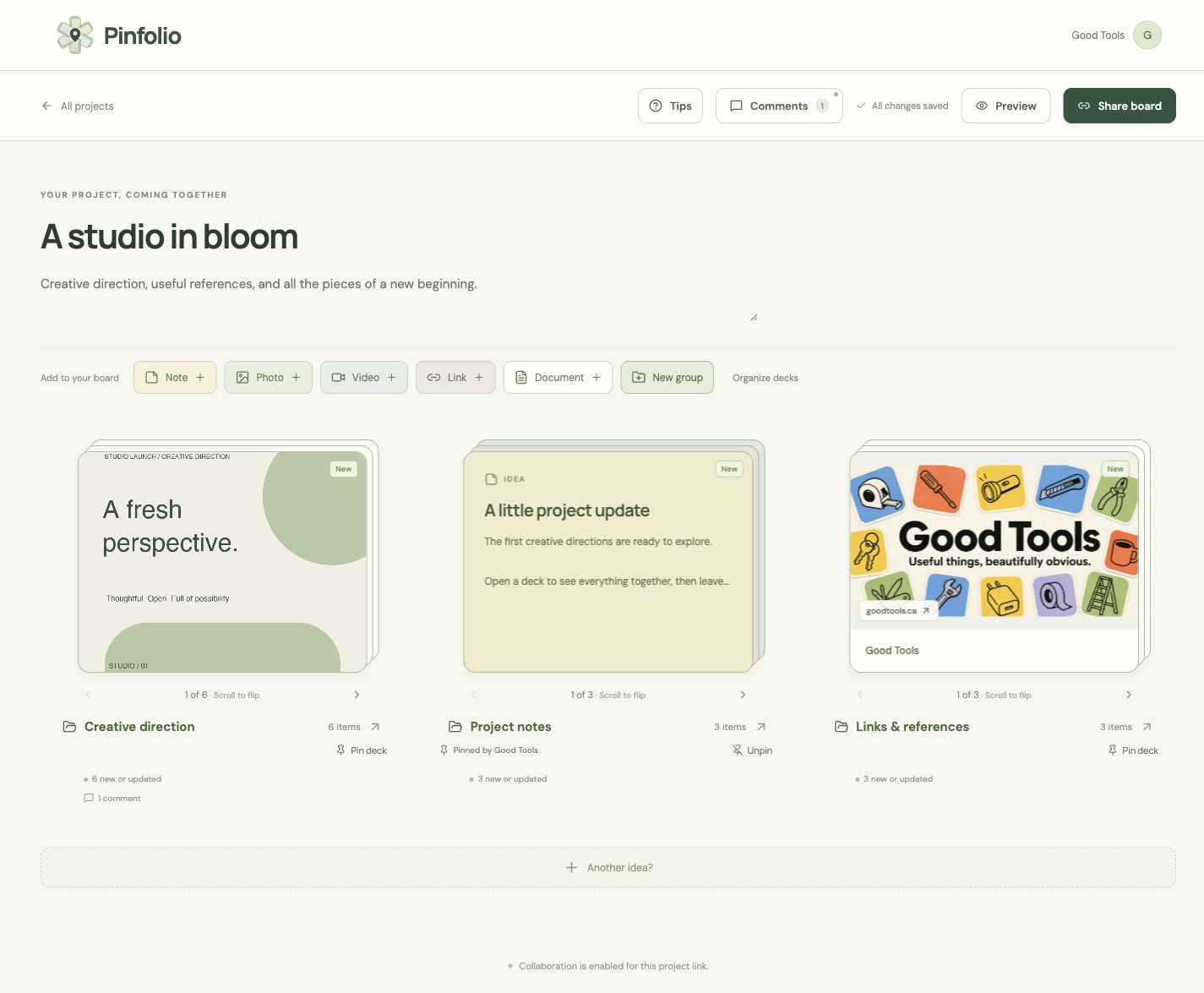
Mix uploaded photos, playable videos, documents, website links, Canva references, and notes on one project board.
Shared project boards

Bring photos, videos, links, documents, and notes into named decks. Share one project link and keep the conversation with the content.
The useful part
Pinfolio gives every project its own visual board and shareable link. Collect files, ideas, and references in named decks, browse their cards, and keep feedback with the content. Invite collaborators or share a board-only viewing code. The project owner can prepare private cards and decks, schedule their release, and optionally approve an email notice when sending is connected. Pin priority cards, archive older material, and protect finished decks while the shared project continues to develop.
What it does
Mix uploaded photos, playable videos, documents, website links, Canva references, and notes on one project board.
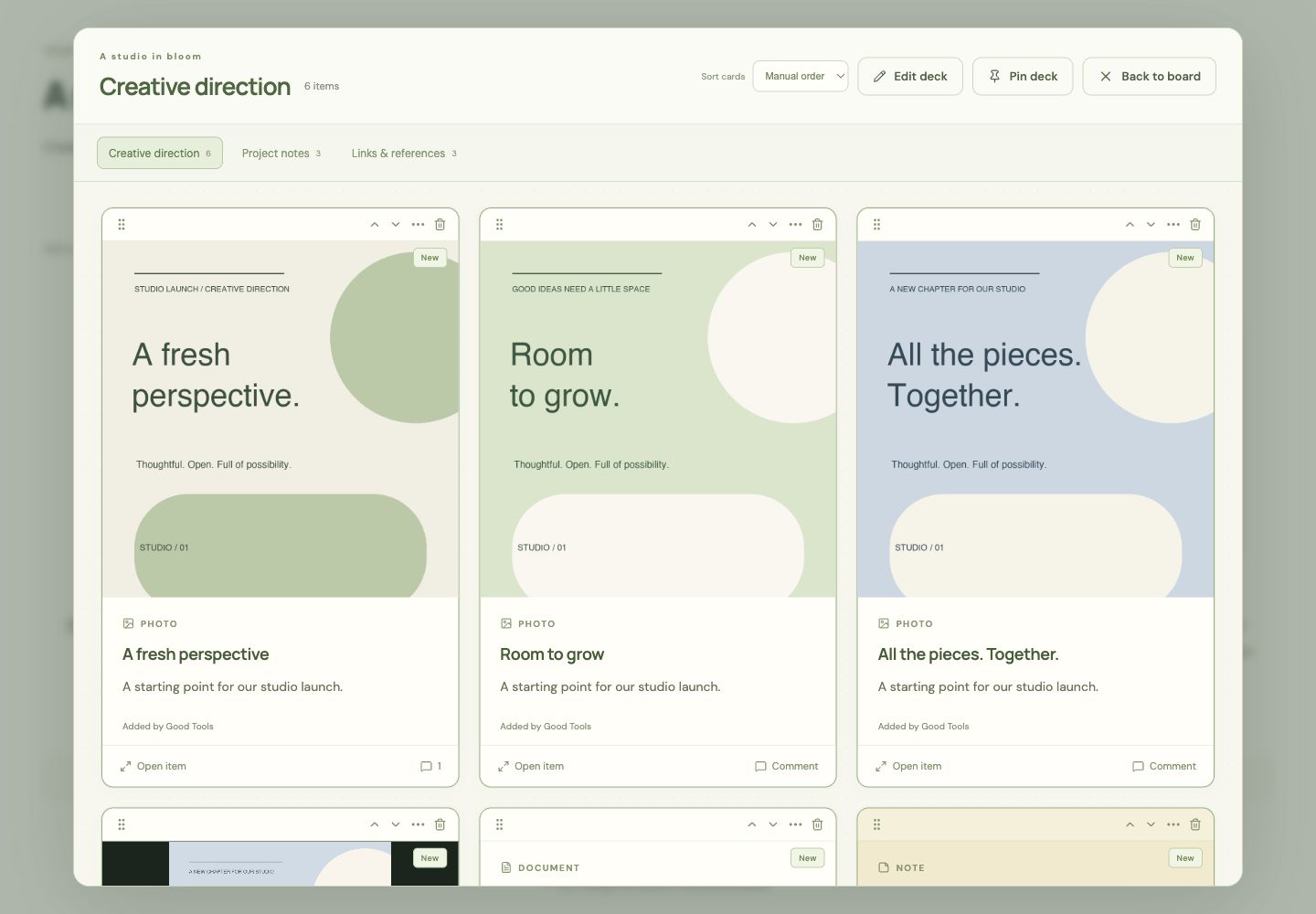
Name and reorder decks, pin priority cards, and archive older material for later. Decks hold up to 50 cards before a separate deck begins.
Comment on the project or a particular card. New and Updated markers stay until you open the item rather than simply scrolling past it.
Choose viewing or collaboration access. Collaborators add a remembered name, then can edit, upload, and comment on that project.
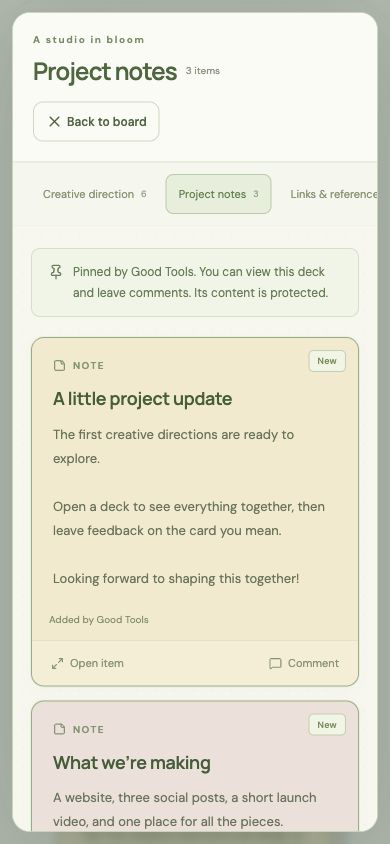
Protect a deck’s cards, name, and position. The person who protects it and the project owner can change it; other collaborators can still view and comment.
Collaborators can create a board-only viewing code or link. Viewers see the latest content without editing, uploading, or accessing the rest of the profile.
The project owner can hold back a card or deck, choose when it becomes visible, or publish it when ready. Recipients cannot view unreleased content or its files.
When sending is connected, the owner can review recipients and a message, then approve an email notice alongside a scheduled release.
How Pinfolio stays good
Keep looking